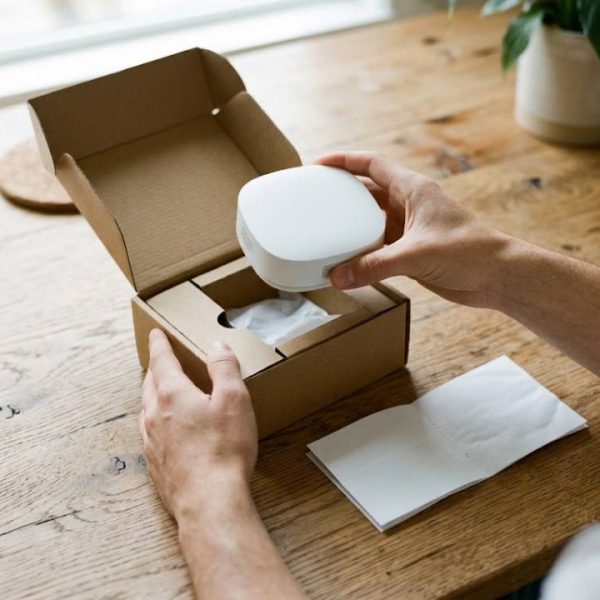
A smart speaker from one country, a fitness tracker from another, a kitchen scale designed overseas: modern homes are full of gadgets that cross borders. They promise convenience and healthier habits, but they arrive with manuals, apps and warranty terms that may not be written in your language.
When setup instructions are unclear, small problems turn into big frustration. A device is only as smart as the instructions that come with it. This guide explains how to shop for connected products online without getting lost in translation.
Why language matters for smart home products
Smart devices combine hardware, software and cloud services. Each layer has its own text: the printed quick-start leaflet, the app interface, the voice commands, the privacy policy and the support pages. If any of them is poorly translated, the whole experience suffers.
Safety is the biggest concern. A heater, a charger or a kitchen appliance comes with warnings that must be understood exactly. A vague or incorrect sentence in a safety note can lead to misuse.
Check the language before you click buy
Before ordering, look at the product page carefully. Does it list the languages available in the app? Are the specifications written clearly? Are the reviews from buyers in your country? Odd phrasing and mismatched units are often signs that the listing was machine translated without review.
- Look for a manual in your language, ideally as a downloadable file.
- Check that the voice assistant supports your language and accent.
- Confirm that voltage and plug type match your country.
- Read the return policy in full.
If a seller cannot answer a simple question in clear language before the sale, expect more difficulty after it.
Understanding the tech behind home automation
Home automation links lights, thermostats, locks and appliances into one system. To get a sense of how these systems work and which standards exist, the overview of home automation is a useful read. Knowing the basics helps you spot when a product description makes unrealistic claims.
When the manual is not enough
Sometimes the only documentation available is in a language you cannot read. Small businesses that import gadgets face the same issue on a larger scale: they must offer instructions, warranty terms and labels to their own customers. Working with professional language translation services ensures the text is accurate, consistent and ready for local rules.
Good translation also reduces support tickets. Customers who understand a product need fewer calls and leave better reviews.
Choosing the right translator for product content
Technical copy needs a translator who understands both the language and the subject. Ask for samples, check experience with consumer electronics and agree on a glossary early. If you are unsure how to evaluate candidates, this guide on vetting a freelance translator walks through the key questions to ask.
Privacy and data in connected devices
Smart gadgets collect data: voice recordings, usage patterns, sometimes location. The privacy policy should explain this in plain words. If the policy is unreadable or only available in a language you do not know, treat that as a warning.
Take a few minutes after setup to review permissions in the app. Turn off features you do not need, and update the firmware regularly.
Healthy habits with connected tools
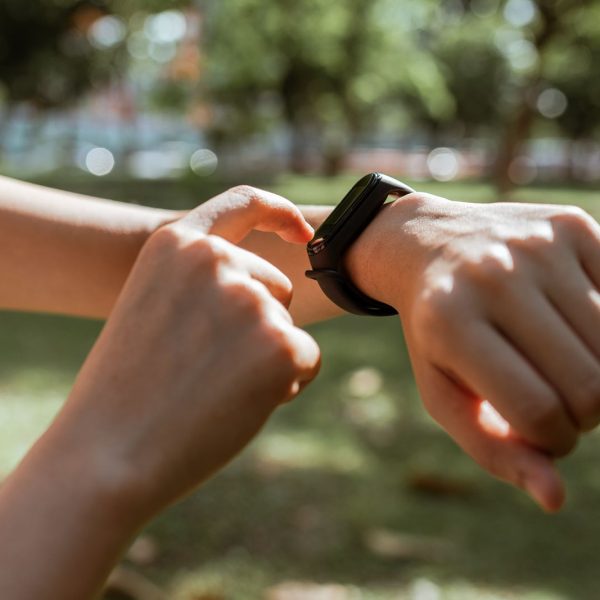
Many products in this category support wellbeing: sleep trackers, air purifiers, water bottles with reminders and fitness bands. They work best when you understand the data they display. Units, goals and notifications should be clear. If the app shows steps, calories or heart rate in confusing terms, check the language settings first.
Set realistic goals and use the device as a coach, not a judge. Small, steady improvements matter more than perfect numbers.
Troubleshooting without the stress
When something fails, start with the basics. Restart the device, check the network, and confirm that the app is updated. Search the exact error message in quotation marks, since forums often contain a solution already.
If you contact support, describe the problem in short, simple sentences and include the model number. Clear communication speeds up the answer, especially when the agent writes in a second language.
Energy and space in a smart home
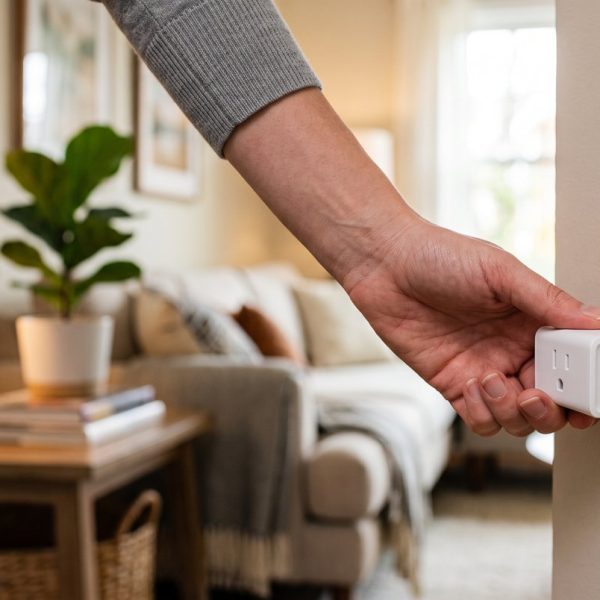
Connected thermostats and plugs can lower energy use when they are set up well. Schedules, geofencing and motion sensors reduce waste, but only if the settings are understood. Poorly translated menus lead people to leave defaults untouched, which means missed savings.
Compact homes benefit most from multi-purpose devices. A single hub that controls lights, blinds and heating saves space and cables, and one app is easier to learn than five.
Gift ideas that need no translation headaches
If you are buying a gadget as a present, choose models with clear icons, simple pairing and manuals in several languages. Include the order confirmation so the recipient can return the item easily. A short handwritten note explaining the first setup step goes a long way.
Tips for sellers who ship internationally
- Translate the quick-start guide and safety notes first.
- Keep terms consistent between the product page, manual and app.
- Test the translated interface on a real device.
- Update the text whenever the firmware changes.
A smarter way to shop
Great gadgets deserve great instructions. Whether you are buying for your own home or building an online store, take the time to check language quality. It protects safety, saves money and makes technology feel friendlier. The next time you add a smart device to your cart, read the product description twice and ask whether it speaks your language.